SpeechRecognition.cloud - AI Speech-to-Text for Windows
Modern AI speech recognition that installs on Windows and dictates directly into any application. No voice training. No clunky dictation boxes. Just speak and watch your words appear in Word, Outlook, Teams, your EMR - anywhere you type.
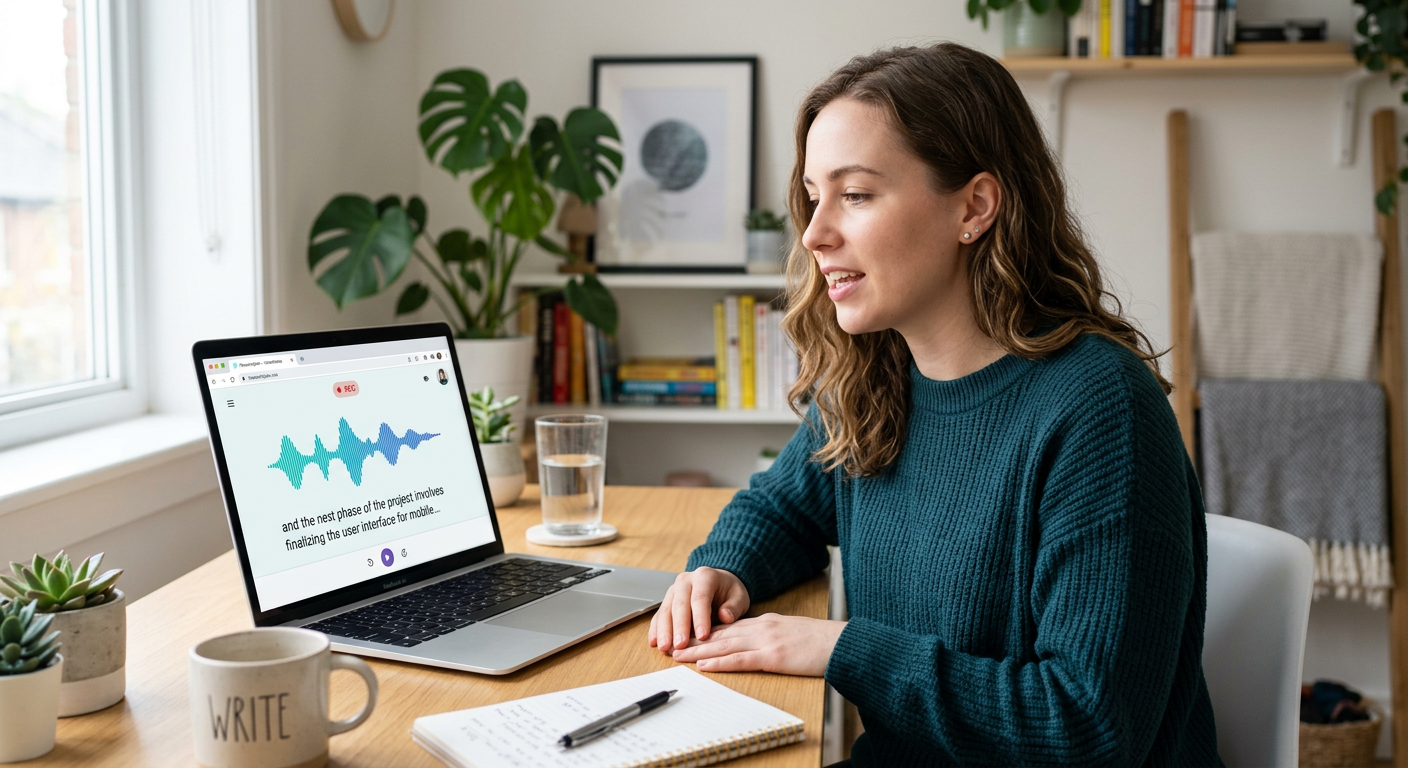
What is SpeechRecognition.cloud?
A modern Windows speech recognition app built to replace ageing dictation software without the complexity or cost.
SpeechRecognition.cloud is a Windows application developed by Voice Recognition Australia - the same team that has been deploying Dragon and dictation solutions across Australian healthcare, legal, and enterprise environments for 25 years.
It installs on Windows and dictates directly into any application - Word, Outlook, Teams, Chrome, your practice management system, your EMR. There are no dictation boxes or intermediate steps. You speak and the text appears exactly where your cursor is.
Unlike older dictation software, it requires no voice training before you can start, and AI handles punctuation automatically. It is designed for professionals who are frustrated with expensive upgrade cycles, serial number headaches, and compatibility problems from legacy speech recognition products.
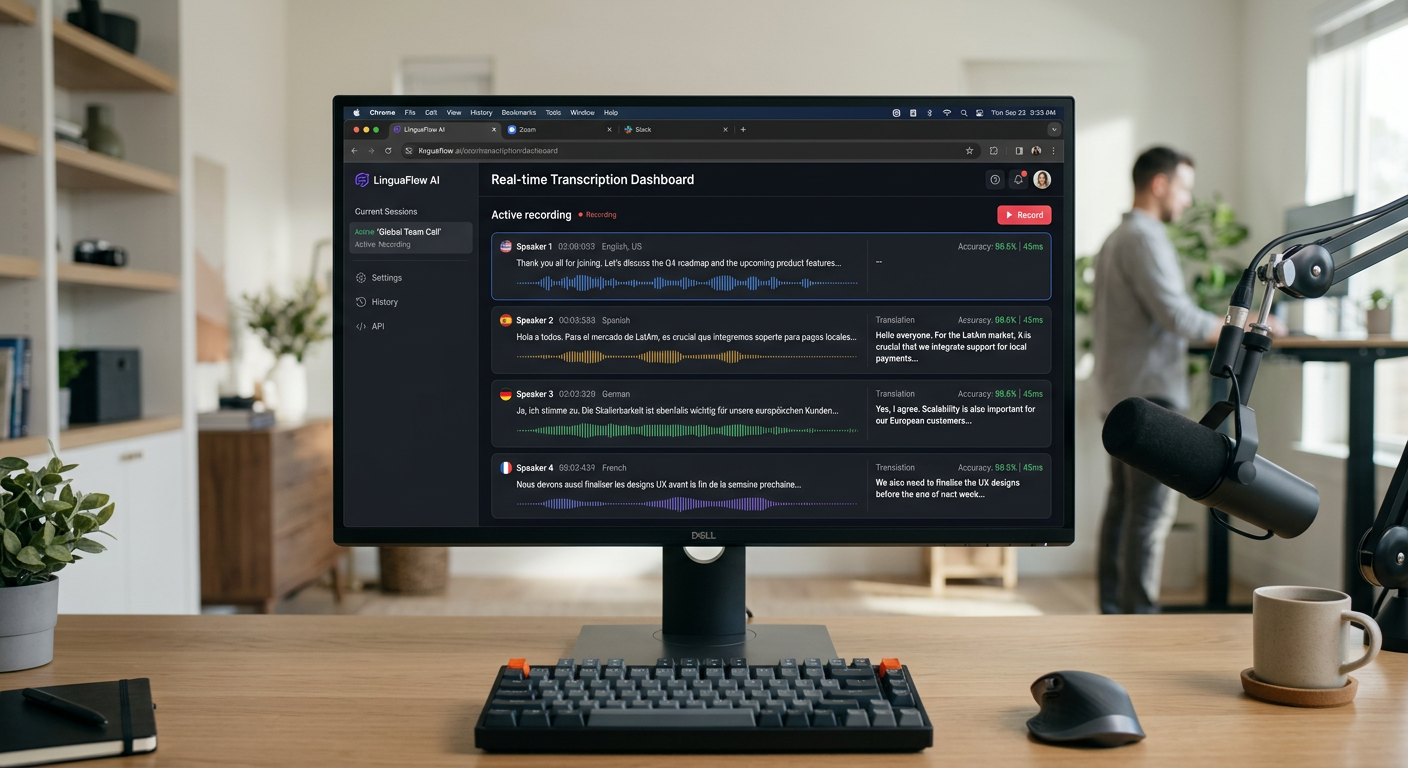
At a glance
- ✓Installs on Windows - works in any app
- ✓No voice training required
- ✓Automatic AI punctuation
- ✓57+ languages supported
- ✓Free Starter edition available
- ✓Professional edition with AI features
- ✓Medical Ultra edition for healthcare
Editions and pricing
Start free and upgrade to the edition that suits your usage. All prices AUD inc GST.
- ✓20 min usage per month
- ✓Works in any Windows app
- ✓Automatic punctuation
- ✓Highly accurate
- ✓Same features as Personal
- ✓Proof of student status required
- ✓Anonymous activation for schools
- ✓5, 25 and 100 user packs available
- ✓Unlimited usage
- ✓Custom vocabulary
- ✓Text replacements
- ✓Email support
- ✓Everything in Personal
- ✓20+ AI voice commands
- ✓Advanced AI features
- ✓Priority support
- ✓Medical vocabulary built-in
- ✓Healthcare-grade accuracy
- ✓Suitable for clinical notes
- ✓Australian support included
All prices AUD inc GST. Verify current pricing at voicerecognition.com.au before purchasing.
Who is it suited to?
A practical modern alternative for professionals frustrated with legacy dictation software.
Professionals moving on from Dragon
If you are on an older Dragon version and facing expensive upgrade costs, SpeechRecognition.cloud offers instant setup, comparable accuracy, and a fraction of the price. No serial numbers, no activation headaches.
Healthcare professionals
The Medical Ultra edition includes medical vocabulary and is suited to clinical documentation. For ambient AI note-taking at scale, Dragon Medical One is still the benchmark - our team can help you choose.
Legal and business professionals
Dictate letters, briefs, reports, and file notes directly into Word, Outlook, or your practice management system. No intermediate steps, no dictation boxes, no transcription queue.
Students and researchers
The free Starter edition removes the cost barrier entirely. 57+ language support covers multilingual academic work. Unlimited usage available on the Personal/Educational plan for heavy study use.
Small teams and practices
Per-user annual pricing makes it practical for smaller teams who need reliable speech recognition without the per-seat cost and complexity of enterprise Dragon deployments.
Anyone stuck on legacy software
No voice training means you can start immediately. AI punctuation means you can speak naturally rather than dictating punctuation commands. It is a straightforward upgrade path from any older dictation system.
How it compares
Speech Recognition Cloud vs Dragon Professional 16, Windows Voice Typing, and browser-based tools.
| Feature | Recommended Speech Recognition Cloud Windows app — from free | Dragon Professional 16 Windows app — from $495 | Windows Voice Typing Win+H, built-in | Browser Dictation Tools Web-based |
|---|---|---|---|---|
| Setup & compatibility | ||||
| Works offline | No — cloud-powered | Yes — after activation | No — requires internet | No — browser/cloud |
| Works in any Windows app | Yes — any Windows app | Yes — Word, Outlook, Teams, EMRs | Limited | No — browser only, cut & paste |
| No voice training needed | Yes — works instantly | Brief setup | Yes | Yes |
| Mac support | No — Windows only | No — Windows only | No — Windows only | Yes — most support Mac |
| Features | ||||
| Automatic AI punctuation | Yes — AI-handled | Partial | Limited | Limited |
| Custom vocabulary | Yes — Personal+ editions | Yes — deep customisation | No | No |
| Voice macros / automation | 20+ AI voice commands | Yes — full macro support | No | No |
| Transcribe audio files | No | Yes — single speaker | No | No |
| Medical edition | Yes — Medical Ultra | Yes — add-on available | No | No |
| Languages supported | 57+ languages | English only (AU, NZ, UK, US, CA, IN) | English + others | Varies |
| Cost | ||||
| Free option | Yes — 20 min/month free | No | Yes — built-in, free | Yes — free / low cost |
| Paid pricing | From $149 AUD/yr | From $495 AUD one-time | Free (included) | Free / low cost |
| Download free speech-to-text software → | Buy Dragon → | Built into Windows 11 | Various providers |
Sources: Microsoft Support documentation, speechrecognition.cloud, and official Dragon Professional 16 documentation. Information reflects publicly available data (March 2026). Pricing AUD inc GST.
Frequently asked questions
Is this a Windows app or browser-based?
It is a Windows application. You download and install it on your Windows PC. Once installed, it dictates directly into any Windows application - Word, Outlook, Teams, Chrome, EMRs - wherever your cursor is.
Do I need to train my voice before using it?
No. SpeechRecognition.cloud uses AI-powered speech recognition that works immediately without any voice profile training. You install it and start dictating.
What is the difference between the editions?
Starter is free with 20 minutes per month. Student / Academic is $149 AUD inc GST per year for verified students and schools. Personal/Educational adds unlimited usage and custom vocabulary at $159 AUD inc GST per year. Professional adds AI voice commands and advanced features at $239 AUD inc GST per year. Medical Ultra is the healthcare edition with medical vocabulary at $659 AUD inc GST per year.
Does it work with my EMR or practice management system?
Yes. Because it dictates directly at the cursor into any Windows application, it works with any software that accepts typed text input - including healthcare practice management systems, EMRs, and clinical documentation tools.
How does it compare to Dragon for medical use?
For ambient AI consultation capture and structured clinical note generation, Dragon Medical One is the more comprehensive solution. SpeechRecognition.cloud Medical Ultra suits clinicians who want straightforward Windows dictation with medical vocabulary at a lower price point.
Can I try it before buying?
Yes. The free Starter edition includes 20 minutes per month with no credit card required. Download it, use it in your real workflow, and upgrade if you need more usage.
Not sure which edition is right for you?
Our team has been matching Australian professionals to speech recognition solutions for 25 years. Tell us your workflow and we will give you a straight recommendation - including whether Dragon Professional or Dragon Medical One would serve you better.
Download speech-to-text for Windows →