Speech Recognition Legal
A dedicated engine tuned for legal terminology, case citations and phrasing that general speech engines routinely mis-transcribe. Included, not a separate purchase.
Dictate the matter and attach up to five files. SpeechLive Legal returns a structured document in your own template — facts under the right headings, ready for your review. Nothing is finalised without your approval.
Delivered and supported in Australia by Voice Recognition Australia — official SpeechLive Legal AI partner.
Henderson & Coastal Freight Pty Ltd.
Prospects assessed; limitation period diarised.
Letter of demand to issue within 14 days.
You became a solicitor to advise clients, run matters and do meaningful legal work — not to spend your evenings turning consultations into documents.
Between dictating, waiting on transcription, reviewing the draft and reformatting it, the path from a conversation to a finished document is long, and most of it isn't legal work. SpeechLive Legal shortens that path without taking you, or your support staff, out of control of the result.
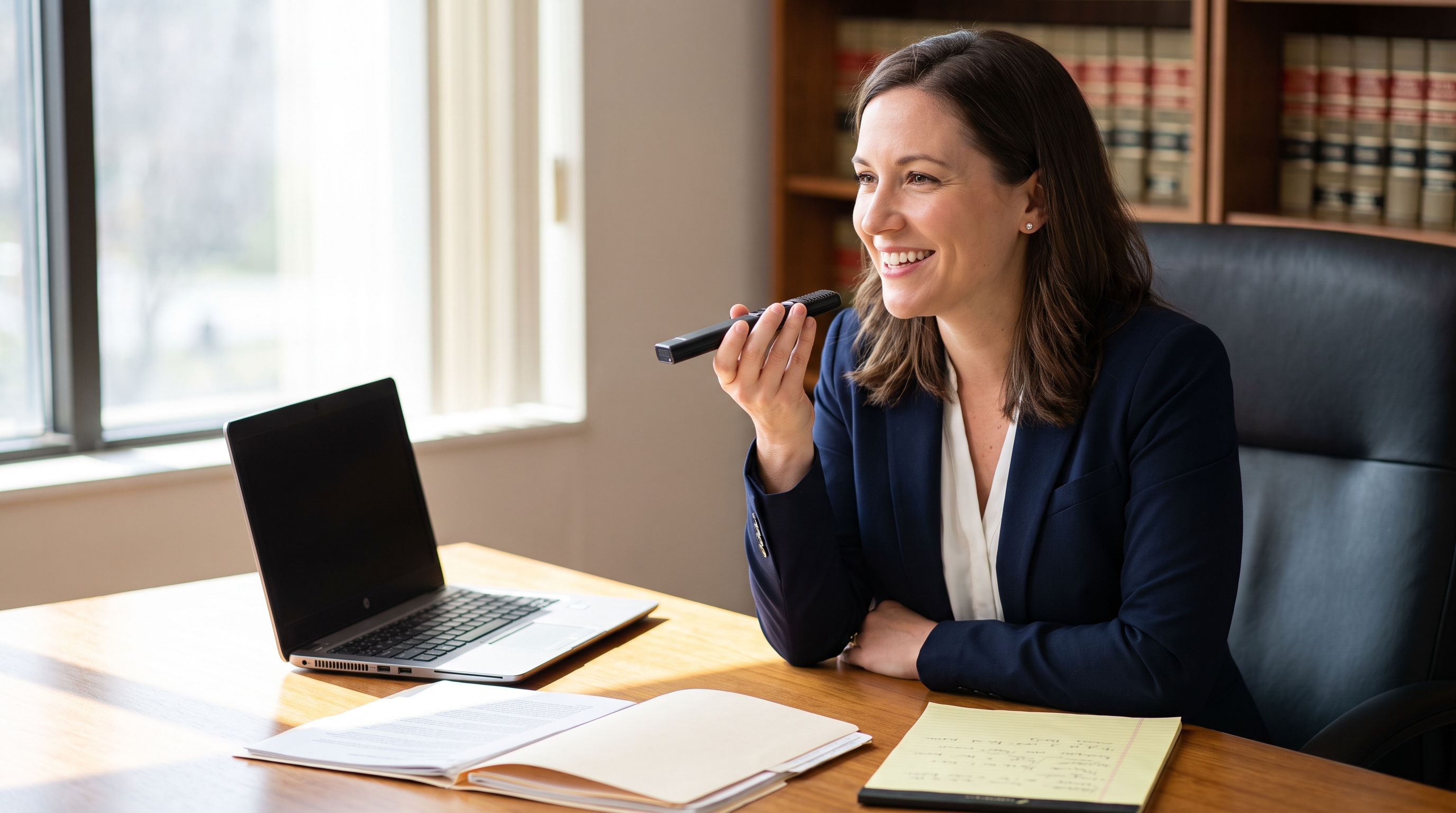
Record the consultation, client meeting or case notes on your SpeechMike, recorder or phone. Attach documents, PDFs and images so the draft reflects the whole matter, not just the audio.
SpeechLive Legal maps your dictation and every attached source to your chosen template, extracts the key facts, and structures them under the correct headings and clauses.
Edit by hand or in plain language — "shorten section 3", "add a clause on liability". Then export to Word or PDF, or send it to your typist inside the SpeechLive workflow.
A dedicated engine tuned for legal terminology, case citations and phrasing that general speech engines routinely mis-transcribe. Included, not a separate purchase.
Attach .pdf, .docx, .txt, .jpeg, .png, .bmp and .heif. The Assistant takes only what your chosen template actually needs.
"Create a template for an attendance note." It builds the structure with the right sections and placeholders, ready to refine and save for reuse.
Tell the Assistant to shorten a section or add a clause. No manual reformatting, and the meaning is preserved.
Every output is prepared for a person to check. It supports your professional judgement — it does not replace it, and nothing is finalised automatically.
Your dictation, transcription and typist worklist stay intact. The Legal AI Assistant works on top of them rather than replacing them.
A single dictation can hold instructions, client history, advice and next steps. Choose the template and the Assistant structures the facts to match.
Philips is explicit about the scope, and so are we. If your work sits mostly in the right-hand column, tell us during the demonstration and we will say so rather than sell you a licence you won't use.
Over half a legal workday goes to administration rather than practising law. That's the gap this closes.
Built for the standards legal work demands, so the answers are ready before your IT provider or risk committee asks the questions.
Your dictations and attachments are hosted on Microsoft Azure and stored in-region. Data is not moved outside your designated storage location.
AI processing runs in a secure, isolated Azure environment and is deleted once complete. Your material is not shared with public AI services and is never used to train AI models.
The SpeechLive platform is certified to ISO 27001, ISO 9001 and ISO 14001, is GDPR compliant, and is built to meet EU AI Act requirements.
A 99.9% uptime guarantee, with administrators able to recover accidentally deleted dictations for up to 30 days.
SpeechLive Legal AI Assistant is arriving in Australia and New Zealand in 2026. Register your interest and Voice Recognition Australia will arrange a demonstration and an obligation-free trial as soon as it is available to your firm.
No. SpeechLive Legal keeps the author and typist workflow you already use. The AI prepares a first draft; your assistant, PA or typist reviews, corrects and finalises it. The audio, transcript and draft stay together as one job, so nothing is lost in the handover. For a sole practitioner who has never had a typist, it removes the reason to engage one — for firms with staff, their work shifts from typing to checking.
Your data is hosted on Microsoft Azure and stored within your region — it is not moved outside your designated storage location. AI processing happens in a secure, isolated environment and is deleted once complete. Your data is not shared with public AI services and is not used to train AI models.
Always. Every output is drafted for your review and nothing is finalised or sent without your approval. SpeechLive Legal is built to support your professional judgement, not to make decisions for you.
Up to five files per dictation: .txt, .docx, .pdf, .jpeg, .png, .bmp and .heif. Only the information relevant to your selected template is used when generating the document.
Yes. The SpeechLive Legal iOS app lets you start recordings, browse your standard and custom templates, generate drafts from dictations, and manage past work — useful between locations or at client meetings. You can switch back to the classic dictation workflow at any time.
SpeechLive Legal is an add-on to a SpeechLive subscription, priced per author and typist. Contact us for Australian pricing and we will quote against your firm's actual user numbers.
Local consultation, setup and training, implementation tailored to your document types and hardware, and support from an Australian team in your timezone. We have been deploying dictation and speech recognition across Australian healthcare, legal and government environments since 2003. See SpeechLive Legal AI on Voice Recognition Australia for the full early-access offer.
Register now for pre-launch updates, priority early access, and a demonstration mapped to your firm's own document types and workflow.
Prefer to talk now? Call 1300 255 900
Tell us a little about your firm and we'll be in touch before launch.
The Philips SpeechLive Legal AI Assistant is designed to support legal professionals by assisting with documentation drafting and information synthesis. Outputs are intended to complement, not replace, professional legal judgement, and should be reviewed by qualified legal professionals before use. Please verify the information. Philips and SpeechLive are trademarks of their respective owners. Voice Recognition Australia is an authorised Australian reseller.