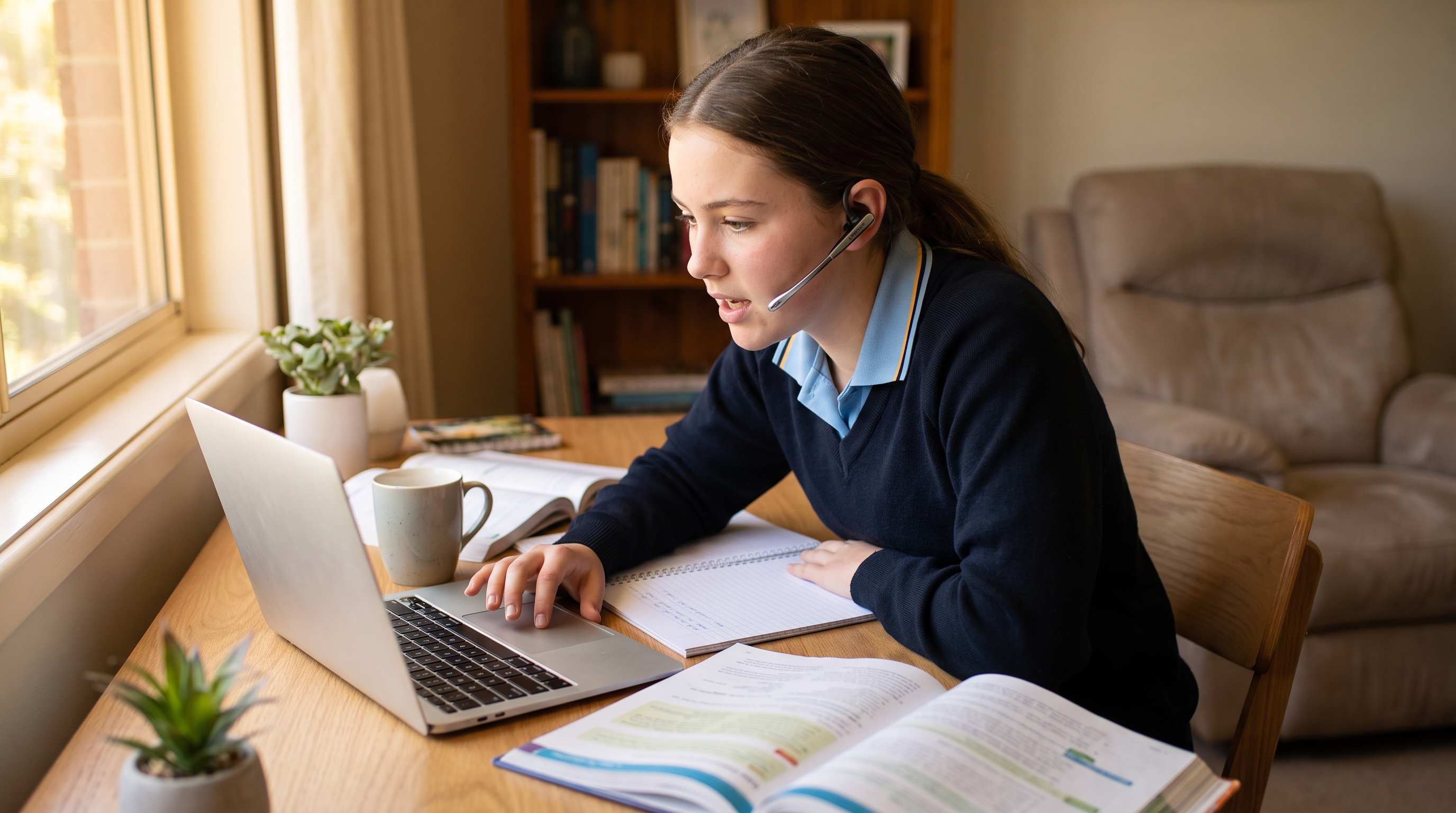

Dragon has been the default answer to “what speech recognition should a student use” in Australia for the better part of two decades. For some students it is still the right answer. But it is no longer the only one, and for the job most students actually need doing — getting words out of their head and onto the page — it is now a long way from the cheapest or the fastest to deploy.
This page compares the realistic options for Australian students, parents, schools and university disability teams, using current Australian pricing rather than US list prices.
The short version
If a student needs to dictate — essays, assignments, exam practice, homework, emails — voice-to-text software does that job at a fraction of Dragon’s cost and installs in a couple of minutes.
If a student needs to control the whole computer by voice — navigate menus, click, run macros, operate a PC with little or no hand use — Dragon is still the stronger product, and we will tell you that honestly.
Most students are in the first group. Most schools buy for the first group. That is the case for looking past Dragon as the default.
What each option actually costs in Australia
All prices below are current Australian pricing including GST, from Voice Recognition Australia, as at July 2026.
| Option | Australian price | Licence type |
|---|---|---|
| Speech Recognition Cloud — Free Edition | Free | 20 minutes per month |
| Speech Recognition Cloud — Student Edition | A$149 / year | 1 student, annual subscription |
| Dragon Professional 16 Educational / Student | A$545 | 1 user, perpetual |
| Dragon Professional 16 (full retail) | A$994 | 1 user, perpetual |
| Dragon Professional Anywhere | A$795 / year | 1 user, annual subscription |
For schools, you can see current speech-to-text volume licensing for education online. Buying more than one licence:
| Licences | Speech Recognition Cloud | Per student |
|---|---|---|
| 5 users | A$695 / year | A$139 |
| 25 users | A$3,135 / year | A$125 |
| 100 users | A$9,895 / year | A$99 |
Dragon academic volume and lab-pack licensing is now quote-based in Australia rather than sold off the shelf. If you want a like-for-like quote for a Dragon deployment at these volumes, contact us and we will price it properly — we are an authorised Dragon reseller and we will give you the real number, not a strawman.
The honest cost comparison
Here is the part most comparison pages skip, because it does not flatter the cheaper product.
Dragon Professional 16 Educational is a perpetual licence. Speech Recognition Cloud is a subscription. At A$545 once versus A$149 a year, the crossover is a shade under three years and eight months. A student who buys Dragon in Year 8 and uses the same licence through to Year 12 has, on paper, spent less.
So why do we still think most families and schools should start with Speech Recognition Cloud?
Because “perpetual” has a shelf life. Dragon Professional 15 is no longer sold or supported and was replaced by 16. Dragon Medical Practice Edition 4 is end-of-life. Perpetual licences stop being perpetual when the version stops being supported, when Windows moves on, or when the school refreshes its fleet. The five-year cost model assumes a stability that has not historically held.
Because the first year is where the decision actually gets made. A parent who is not yet certain dictation will help their child is being asked for A$545 up front versus A$149 — or nothing at all, to test the idea. Most families are deciding whether this works, not committing to a five-year plan.
Because at school scale the gap is not marginal. Twenty-five students on Speech Recognition Cloud is A$3,135 a year. Twenty-five individually licensed copies of Dragon Educational at A$545 is A$13,625 up front. Even allowing for volume discounting on the Dragon side, the difference funds a lot of headsets and a lot of staff training.
Setup and deployment: the part schools actually feel
Cost is the headline. Deployment is what determines whether the software still gets used in Term 3.
Voice profile training. Dragon has historically involved creating and maintaining a user voice profile. Speech Recognition Cloud does not require voice-profile training or calibration — the student installs it and starts dictating. For a learning support coordinator managing twenty students, profile creation and maintenance is real time that no one has budgeted for.
Install footprint. Speech Recognition Cloud installs on Windows 10 and 11 in about two minutes and works across Windows applications. Dragon is a heavier desktop install with correspondingly more IT involvement, which in a managed school SOE environment means a change request, not an afternoon.
Multiple computers. One Speech Recognition Cloud licence covers the same student across multiple PCs, one at a time — which matches how students actually work, moving between a school machine and a home machine. Dragon Professional 16 permits install on up to two computers for one user.
Privacy. Speech Recognition Cloud does not retain audio or transcripts, and requires no stored voice profile. For schools working through a privacy impact assessment, “no retained student audio, no voice biometric profile” is a materially shorter conversation than the alternative.
Where Dragon still wins
We sell Dragon. We have sold it since it launched in Australia. We are not going to pretend it has been superseded, because for some students it clearly has not.
Choose Dragon when the student needs:
- Full voice control of the computer, not just dictation — moving the cursor, clicking, navigating applications by voice
- Macros and custom voice commands for repeated multi-step tasks
- Offline operation, where internet access is unreliable or not permitted
- Deep application integration beyond text entry
- Hands-free operation because of significant physical disability or injury affecting hand use
That last one matters most. A student with limited or no hand function needs to operate the whole machine, not just type into it. That is Dragon’s job, and Speech Recognition Cloud is not a substitute for it. If that describes your student, talk to us about Dragon — it is the right tool and we will sell it to you.
What about the free options?
Speech Recognition Cloud Free Edition gives 20 minutes a month. That is a genuine trial, not a solution — enough to find out whether dictation helps a particular student before anyone spends money. Use it for exactly that.
Microsoft Word Dictate is included with Microsoft 365 and supports Australian English. If a student writes exclusively in Word and the school already has 365, this is a reasonable free starting point. It does not work across other Windows applications.
Google Docs voice typing is free and works in Chrome, and many students already know it. Same limitation: it works where it works, and not elsewhere.
Apple Dictation and Voice Control are capable, including offline Voice Control, but only if the student is on Apple hardware.
The common gap in all of these is that they are features inside a platform, not tools built around a student who cannot get words down. None of them come with an Australian support number when it stops working in week three.
Which student is this for?
Speech recognition helps most when the bottleneck is transcription, not thinking — when a student can explain the answer out loud but cannot get it onto the page at the same standard. That pattern shows up with dysgraphia, dyslexia, ADHD, dyspraxia and fine-motor difficulty, physical disability, and temporary injury.
It is worth being clear about what dictation does not do. It does not teach literacy, and it does not remove the need to proofread — speech recognition errors are different from spelling errors and students need to be taught to catch them. Dictation is also a skill: speaking in complete phrases, pausing naturally, and correcting misrecognitions all have to be learned. Students who are handed the software with no instruction generally stop using it.
Schools should also check assessment rules early. Australian exam authorities permit assistive technology in some circumstances, but approval is case-specific and some AI or predictive features may need to be disabled. Dictation works best when it is part of a student’s routine classroom practice, not something introduced the month before exams.
Getting started
Parents and individual students — start with the free edition and find out whether dictation actually helps before spending anything. You can download free speech-to-text software for students.
Schools, universities and disability teams — we have been deploying speech recognition in Australian education since 2003. Tell us the number of students, the environment and the constraints, and we will tell you honestly whether Speech Recognition Cloud, Dragon, or a mix of both is the right answer.
Frequently asked questions
Is Speech Recognition Cloud actually good enough to replace Dragon for a student?
For dictation — writing essays, assignments and emails into Windows applications — yes, for most students. It installs in minutes, needs no voice-profile training, and works across your Windows apps. Where it is not a replacement is full hands-free control of the computer; if a student needs to operate the whole machine by voice, that is still Dragon’s job.
Dragon Educational is a one-off A$545 and SRC is A$149 a year — isn’t Dragon cheaper long term?
On paper the two cross over at about three years and eight months. In practice, perpetual licences stop being supported (Dragon 15 already has), Windows moves on, and school fleets get refreshed, so the long-run saving is less certain than it looks. For a family testing whether dictation helps at all, the lower first-year cost — or the free tier — is usually the sensible place to start.
Can a school buy licences in bulk?
Yes. Speech Recognition Cloud is sold in 5, 25 and 100-user annual packs (A$695, A$3,135 and A$9,895 respectively) — see volume licensing for education. Dragon academic and lab-pack licensing is available on quote through Voice Recognition Australia — contact us and we will price your specific deployment.
Will dictation be allowed in exams?
Sometimes, but it is case-specific. Australian exam authorities permit assistive technology under certain conditions, and some AI or predictive features may need to be disabled. The key point is that dictation should be part of a student’s normal classroom practice well before any exam, not introduced at the last minute.
Dictation Solutions Australia is part of the Voice Recognition Australia network, an authorised Australian reseller of both Dragon and Speech Recognition Cloud. Pricing current as at July 2026 and subject to change. Dragon and related marks are the property of Nuance Communications (Microsoft).
← Back to News & Guides