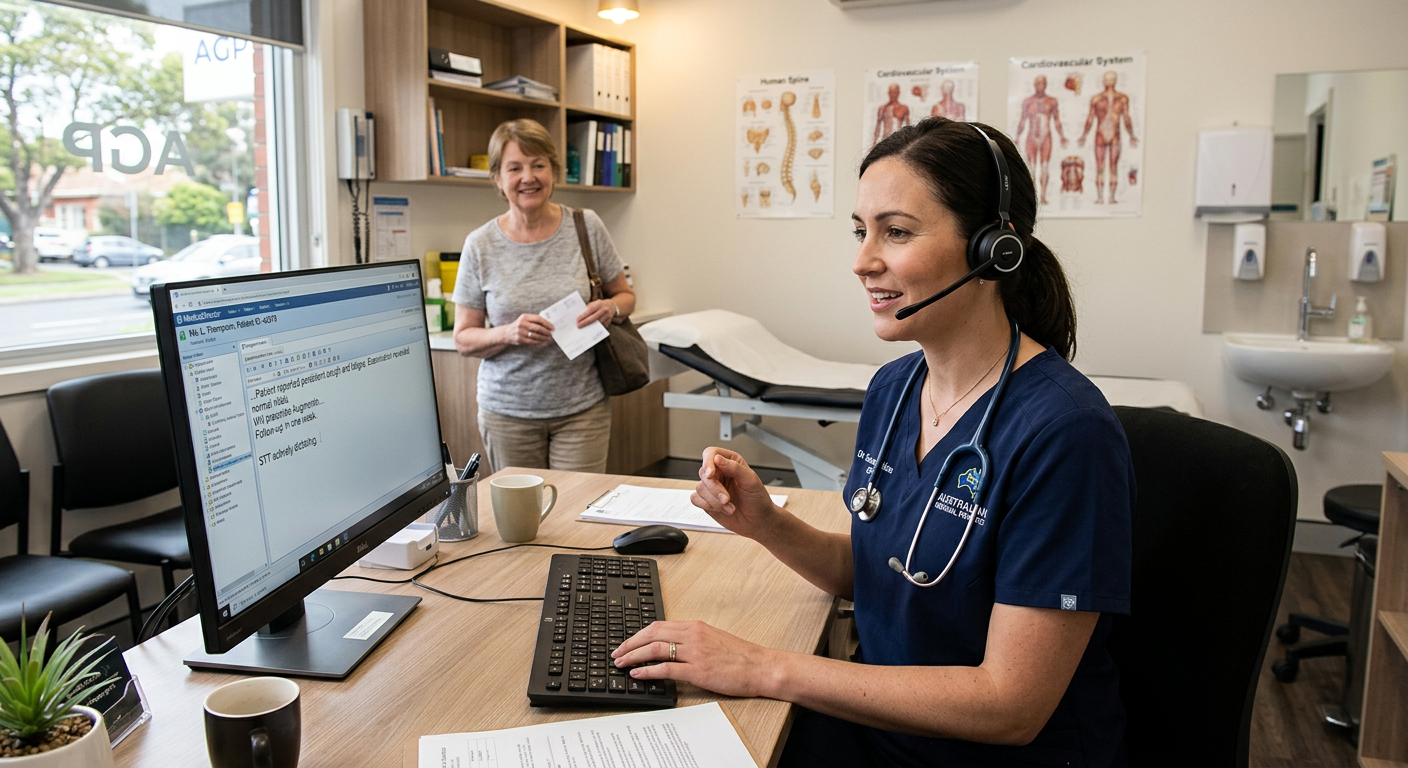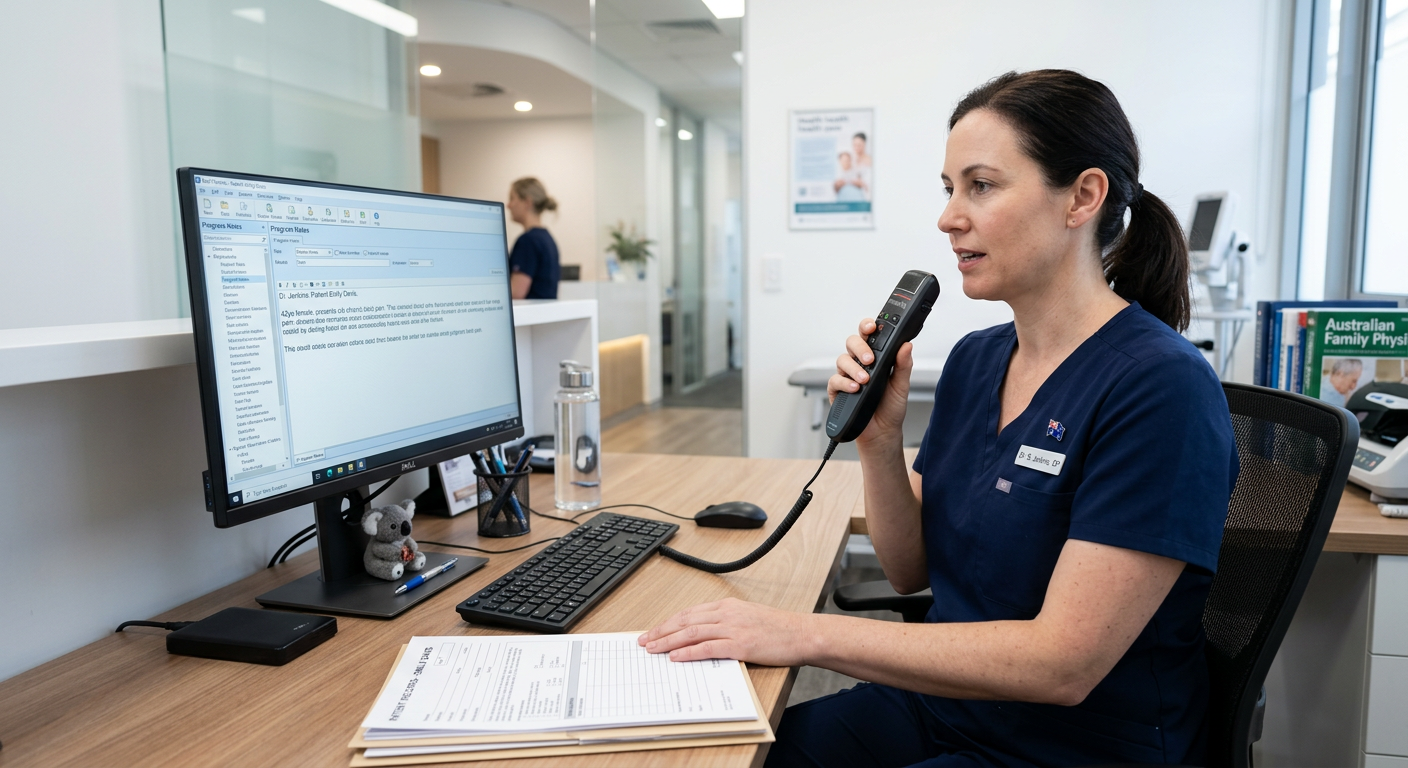
For most professionals, the bottleneck in document production is not thinking — it’s typing. A GP finishing a patient consultation, a lawyer drafting a file note, a consultant summarising a meeting: all of them know what they want to say. The slow part is getting it into a document.
Digital dictation solves this by letting you speak your content directly into a recording device or microphone, then converting that speech into text — either through automated speech recognition or via a transcriptionist.
How digital dictation works
At its simplest, digital dictation involves three components:
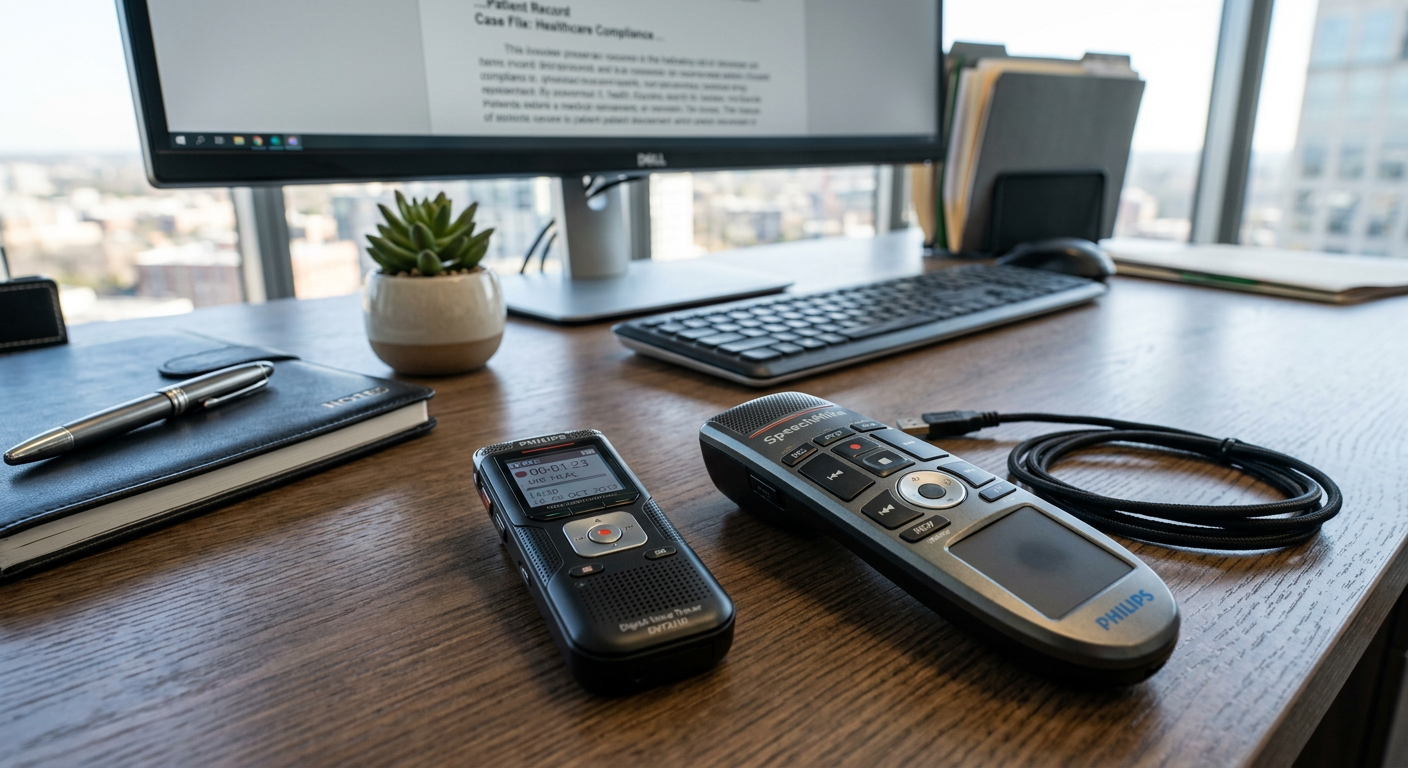
Capture — a microphone, handheld recorder, or dictation-specific device like a Philips SpeechMike captures your voice as a high-quality audio file.
Conversion — the audio is converted to text, either automatically using software like Dragon speech recognition, or by sending the file to a human transcriptionist via a cloud workflow platform like Philips SpeechLive.
Output — the resulting text lands in your document, email, or clinical notes system, ready for review and sign-off.
Modern systems compress these steps significantly. With Dragon Professional, the conversion happens in real time as you speak — words appear on screen as fast as you can dictate them. With a cloud workflow platform, files are routed automatically to the right transcriptionist the moment you finish recording.
Why professionals still choose dedicated dictation over typing
Speech is faster than typing for most people — typically three times faster for sustained document production. But speed alone is not why professionals invest in dictation systems.
The more important reasons are accuracy and workflow integration. A general-purpose tool like smartphone voice-to-text struggles with medical terminology, legal Latin phrases, or complex technical vocabulary. Dragon’s medical and legal editions are trained on domain-specific language, which means fewer corrections and higher confidence in the output.
Dedicated hardware also matters in professional environments. A Philips SpeechMike sits on your desk, connects directly to your PC, and gives you tactile controls for record, pause, rewind and playback — without switching windows or touching a keyboard. In a busy clinic or law firm, that physical simplicity is genuinely valuable.
Cloud dictation workflows for distributed teams
For organisations where documents need to flow between authors and typists — legal practices, medical centres, government departments — cloud-based workflow platforms have largely replaced the old server-based systems.
Philips SpeechLive, for example, lets a GP dictate a letter after a patient appointment and have it waiting in a secretary’s transcription queue within seconds. The transcriptionist works from anywhere. The GP never emails an audio file or chases anyone up. The document comes back to them for review and sign-off.
This kind of workflow is standard in Australian healthcare and legal practice. It is not new technology — but the cloud delivery model has made it far more accessible for smaller teams and sole practitioners.
The difference between dictation and ambient AI
A newer category worth understanding is ambient AI transcription — tools like Dragon Copilot and Heidi Health that listen to natural conversation (such as a clinical consultation) and automatically generate structured notes afterwards.
This is a different workflow to traditional dictation. You are not actively narrating a document — the AI is interpreting a conversation and creating a draft. For many clinicians, this represents a significant time saving. For others, particularly those who already dictate efficiently, the accuracy and governance trade-offs matter.
Both approaches have a place. Many Australian practices use dedicated dictation for formal documents and ambient tools for clinical notes, depending on the workflow.
Choosing the right solution
The right dictation solution depends on three things: your document volume, your accuracy requirements, and your team structure.
For a sole practitioner dictating a handful of letters a week, a USB microphone and Dragon Professional may be all that is needed. For a specialist practice with high patient volume and a transcription team, a cloud workflow platform with dedicated hardware is the better fit. For a large health system, Dragon Medical One or an ambient AI platform may be the most scalable option.
If you are building out your broader productivity workflow, it is worth reading about the productivity stack professionals need before starting their AI journey — voice input is just one piece of a well-structured setup.
Speech recognition software Australia — Voice Recognition Australia has been helping Australian professionals choose and implement dictation solutions for 25 years. If you are unsure which approach suits your practice or business, the team can advise based on your specific workflow.