
There’s an enormous amount of enthusiasm right now about AI tools and what they can do for professionals. Doctors, lawyers, and consultants are all being told that AI is going to transform their practice. Some of that is true. But most of the conversation skips over the fundamentals.
Before AI can help you work faster, you need to be able to get information in quickly and handle what comes out efficiently. Most professionals I talk to haven’t sorted either of those things out. They’re still typing everything and paying Adobe hundreds of dollars per user per year to edit PDFs. No AI tool is going to fix a broken input workflow.
Here’s what I’d actually recommend getting in place first.
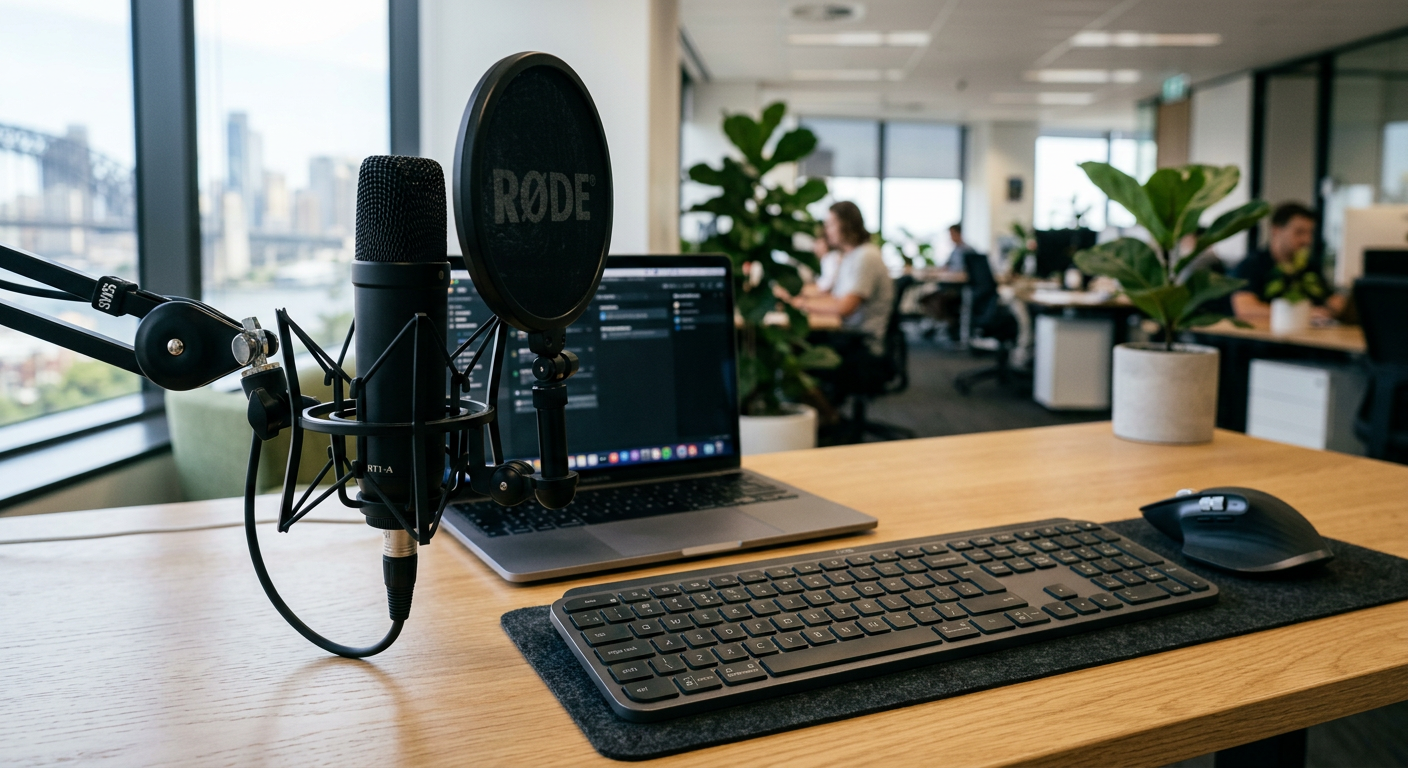
Voice input: the fastest way to get information into any system
Typing is slow. If you’re dictating clinical notes, drafting legal correspondence, or writing client reports, voice is three to four times faster and far less mentally draining when you’re already thinking through complex problems.
There are two practical options depending on where you’re at.
If you want to start today without committing to anything, speech to text software from SpeechRecognition.cloud is a lightweight Windows app that works across any application on your computer. The base package is free. It’s a practical way to build a voice input habit and see whether dictation suits your workflow before going further.
If you’re a heavy user — dictating for several hours a day, needing specialised vocabulary for medical or legal work, or wanting to automate repetitive document tasks by voice — Dragon Professional 16 is the tool I’ve been deploying across Australian healthcare, legal, and government environments for 25 years. It comes as a perpetual licence at $994 or an annual subscription at $595 per year, which suits professionals who need to run it across multiple machines or prefer a lower upfront cost. It works offline, installs locally, and once you have it set up the way you want it, it is genuinely transformative for high-volume dictation.
Either way — get your voice input sorted first. Everything downstream, including feeding information into AI tools, is faster once you’re not typing everything.
PDF handling: stop paying Adobe every year
Once information is flowing efficiently, the next friction point for most professionals is documents. You receive PDFs constantly. You need to edit them, annotate them, combine them, and convert them. For legal practitioners especially, this is daily work.
Adobe Acrobat Pro is available on an annual subscription model — pricing varies depending on whether you are an individual or business customer and how you choose to pay. Check adobe.com/au for current pricing. Whatever tier applies to your situation, the ongoing annual cost adds up quickly across a practice, and frankly most professionals don’t use a fraction of what they’re paying for.
Perpetual licence PDF software from pdfsoftware.com.au is a one-time purchase at $261 for the Advanced version (AUD inc GST, verified March 2026). It handles everything a professional practice actually needs — editing, combining, annotating, form filling, and converting to and from Word. No annual renewal. No subscription creep. You buy it once and own it.
For a sole practitioner or a small team, switching from Adobe to a perpetual licence alternative will commonly save you hundreds per user per year.
All pricing accurate at time of publication, 16 March 2026. Software vendors may change pricing without notice. Verify current pricing directly with the vendor before making purchasing decisions.
Why get these foundations right before AI?
AI tools are useful for drafting, summarising, and analysing content. I use them myself. But they work best when you can feed them information quickly and act on their output without friction. A professional who dictates at speed and handles documents without fighting their software will get substantially more value from AI tools than one who is still copying and pasting and reformatting PDFs manually.
The productivity gains compound. Get the foundations right and the AI layer on top of them starts to make a measurable difference to your working day.
Frequently asked questions
Do I need Dragon or will SpeechRecognition.cloud be enough?
Depends on your volume. SpeechRecognition.cloud is a genuine, capable tool and the free tier is a sensible starting point. If you’re dictating a few times a week, it will likely be all you need. If dictation is central to how you work every day — particularly if you need specialty medical or legal vocabulary, macro automation, or deep integration with Windows applications — Dragon is worth the investment. I’ve deployed both across professional environments and the right answer depends on the individual workflow.
Is the Dragon annual subscription or the perpetual licence better value?
The perpetual licence at $994 is better value over time if you plan to use it for three or more years on a single machine. The annual subscription at $595 per year makes sense if you need flexibility across multiple computers, prefer a lower upfront cost, or want to ensure you’re always on the current version. Both options are available through Voice Recognition Australia.
What about the Adobe subscription — is perpetual PDF software really comparable?
For the document tasks most professionals actually do day to day, yes. Editing text, combining files, annotating, converting to Word, filling forms — Tungsten Power PDF handles all of it. Adobe has more advanced features for print production and creative workflows that are largely irrelevant to professional practice. Don’t pay for what you don’t use.